


 TableWorx
Cloud restaurant POS
Every table. Every order. Every cent.
One system for your floor, your kitchen and your back office, with your numbers on your phone every night.
Trusted by restaurants, bars and coffee shops


From the first order to the last cash-up.
TableWorx is a cloud point-of-sale (POS) system that follows every order through your restaurant, so service runs smoother and the day balances itself.
01 · The floor
Service that never waits on the till.
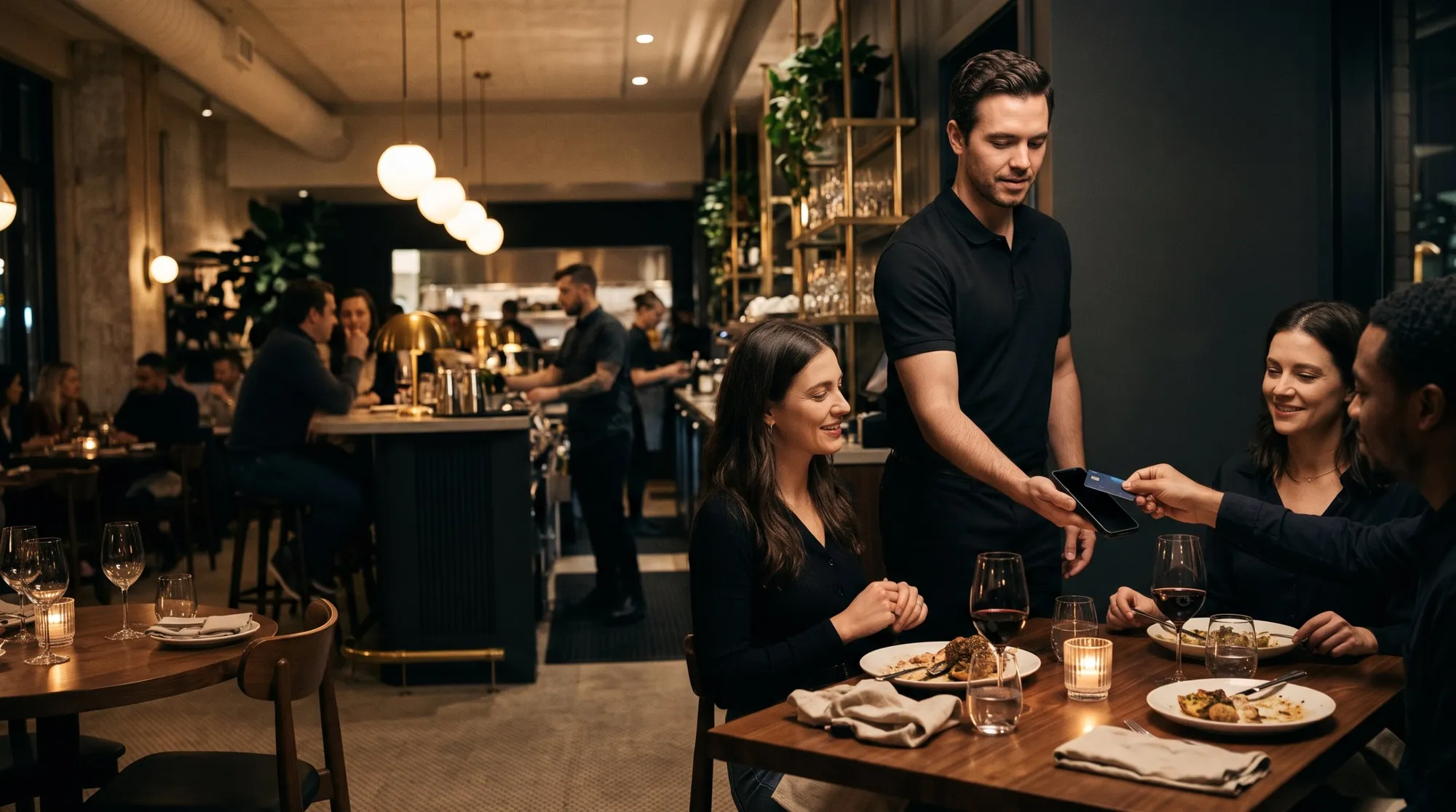
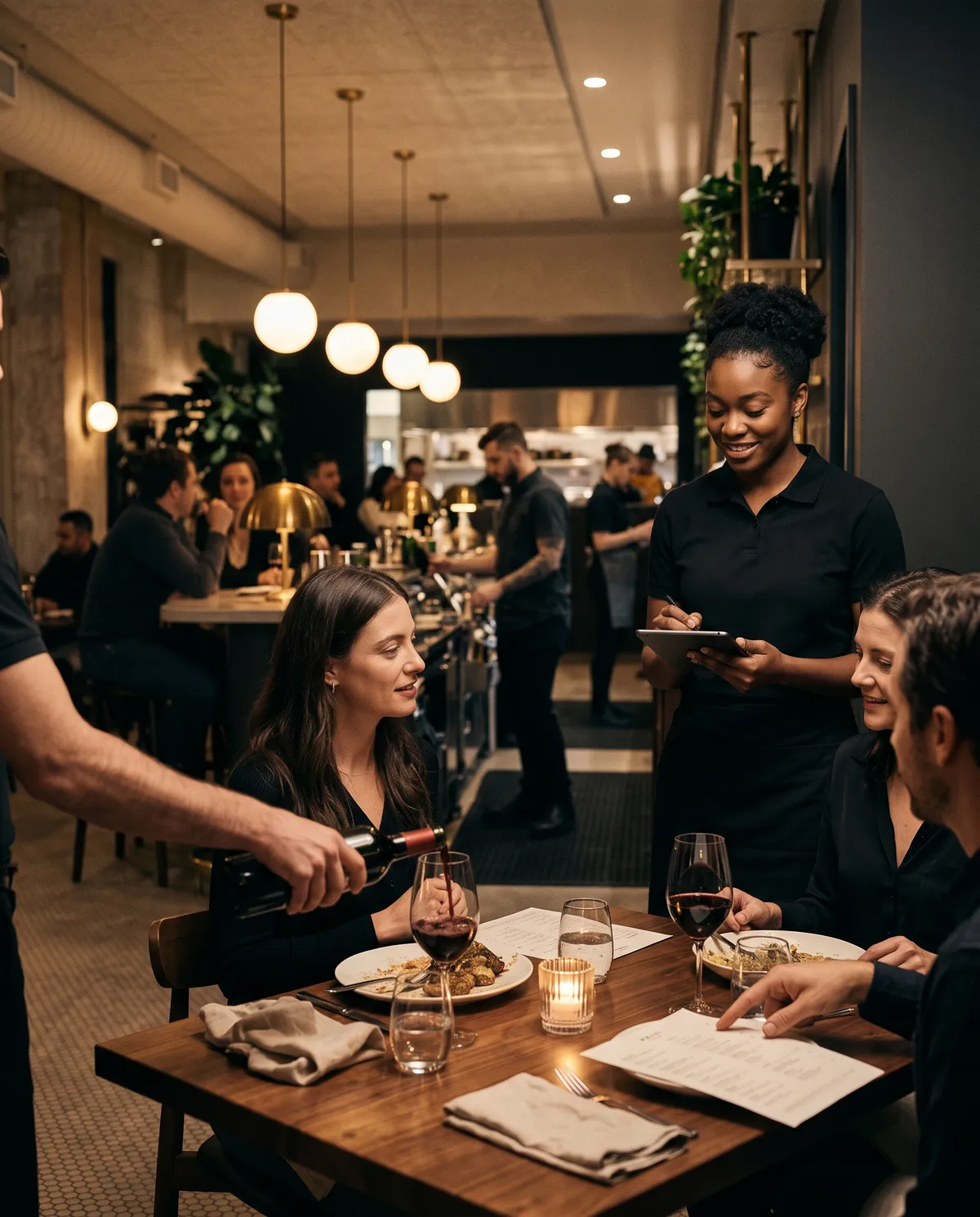
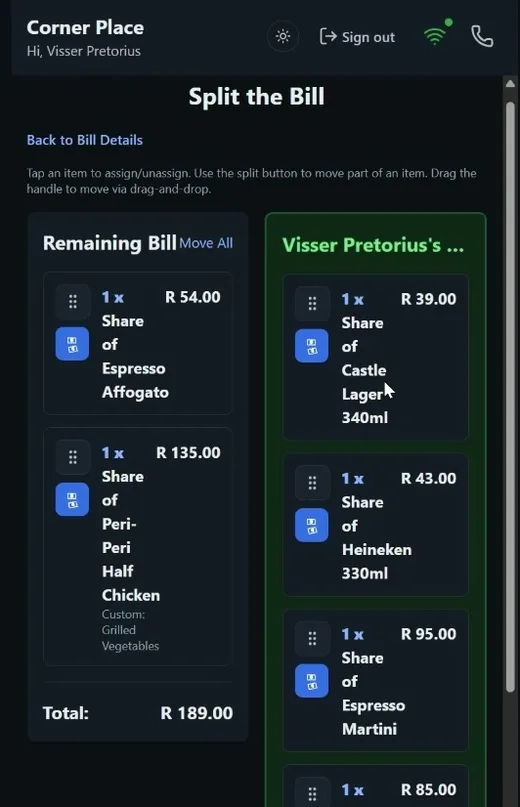
Your waiters take orders and payment on the same device, right at the table. Guests can add rounds from their own phone whenever they like.
- One device per waiterThe waiter app runs on AddPay payment tablets and speedpoints. Tap, insert or cash, and the table is closed.
- Bills split per guestEvery item is tracked to the person who ordered it. Pay your share and go.
- Order from the tableGuests scan the table's QR code to order more without waiting. No app to download.
- Every table at a glanceOpen, occupied and calling for help, live on the floor view.
02 · The kitchen
The pass sees every order the second it's placed.
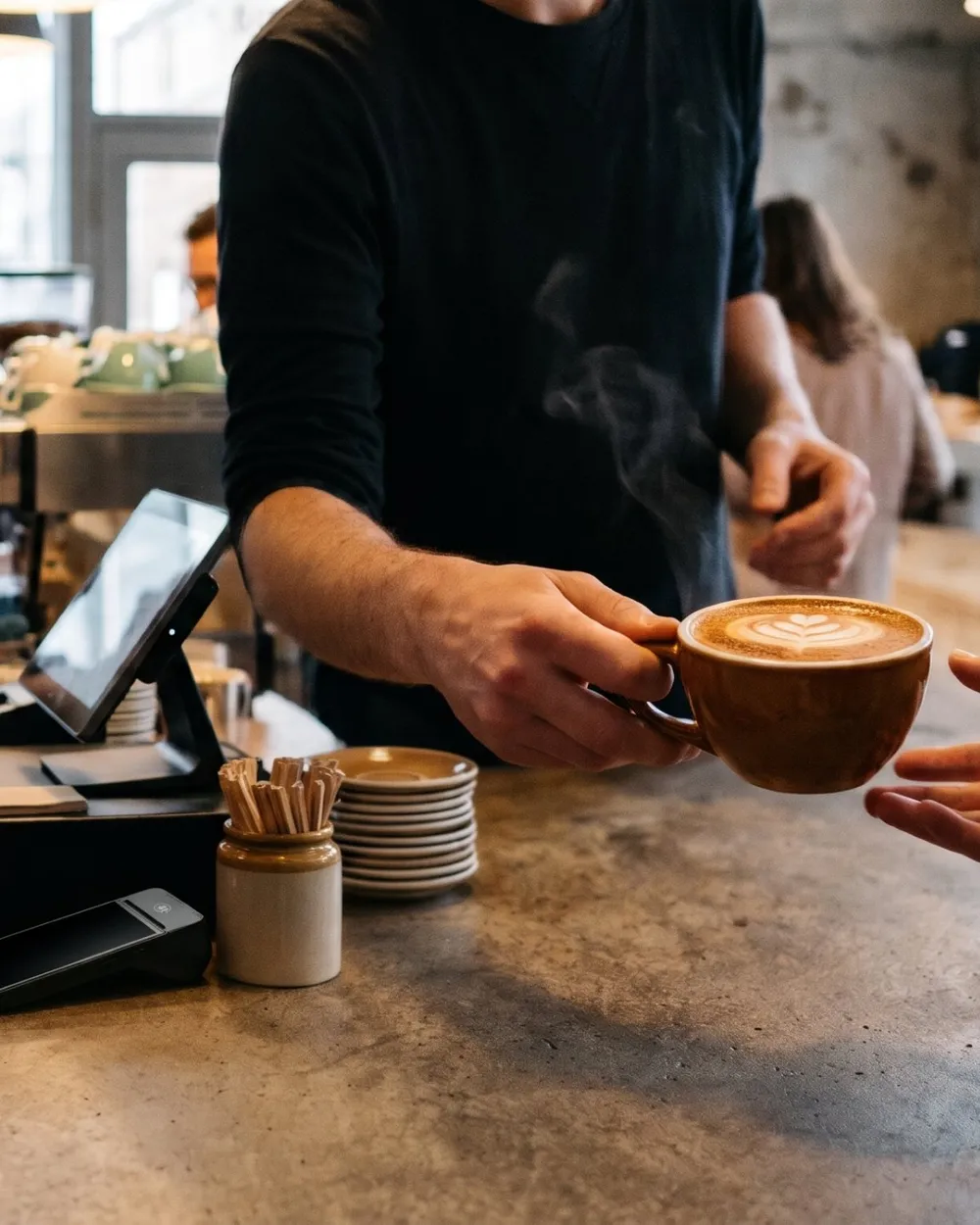
The kitchen display system (KDS) routes every ticket to the right station on any screen with a browser, while a coordinator view shows the whole kitchen at once. When a ticket waits too long, it turns amber, then red.
Your stations, your way
Set up the stations your kitchen actually has, and each item goes to the right one.
Timing you can see
Green, amber, red. The kitchen knows what to fire next.
Waiters stay on the floor
The waiter app shows what's ready, so nobody waits at the pass.
03 · The back office
Cash-up in minutes. Every cent accounted for.
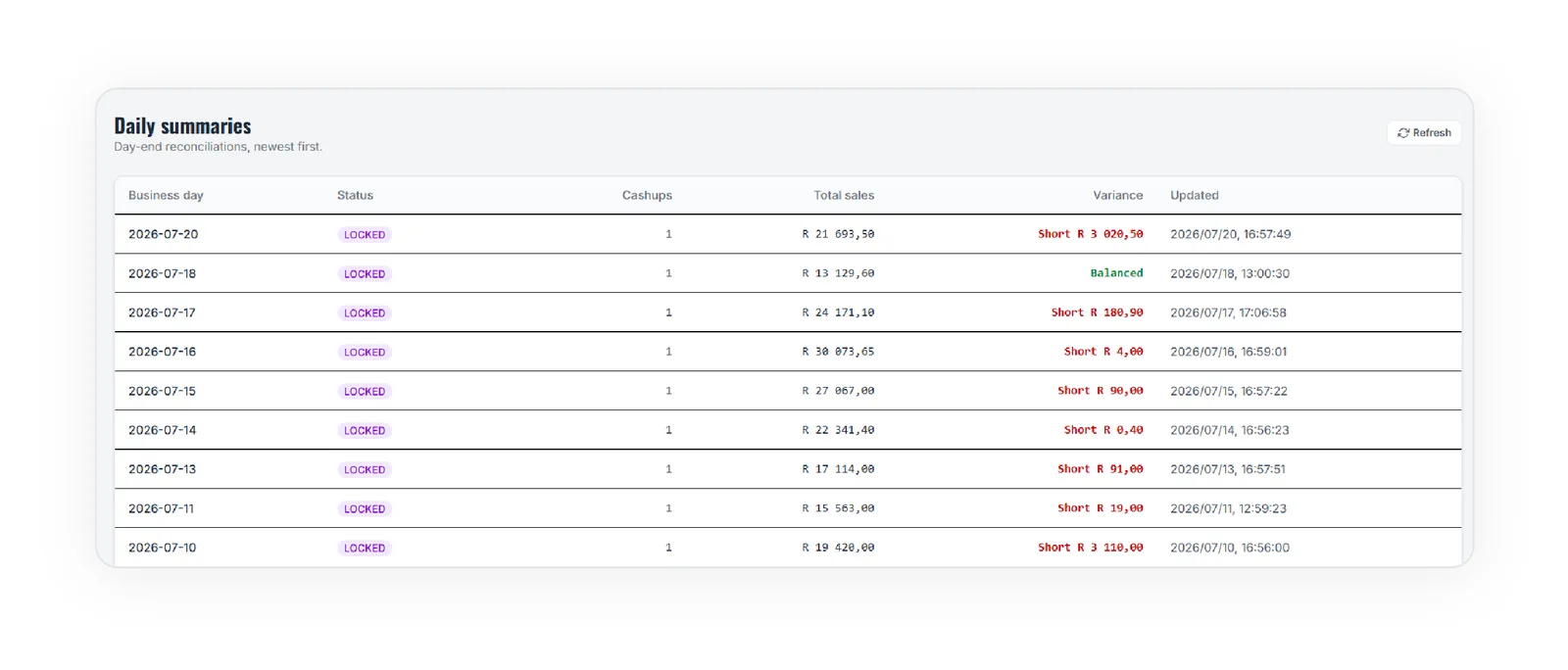
Each business day reconciles itself: cash, card and tips per transaction, variances flagged, and the day locked once it balances.
- Recipe-linked stockEvery sale deducts real ingredients, so counts stay live.
- Alerts on WhatsAppLow stock and the nightly recon go straight to your phone.
- Tips per waiterRecorded against every payment. No end-of-shift disputes.
- Ready for your bookkeeperFull breakdowns to Excel. No server on site, check in from anywhere.
Daily recon: Mon 20 Jul
| Card & in-store | R 18 878.00 |
| Cash | R 2 815.50 |
| Tips | R 163.00 |
| Total gross | R 21 693.50 |
04 · Your numbers
Ask your business anything.
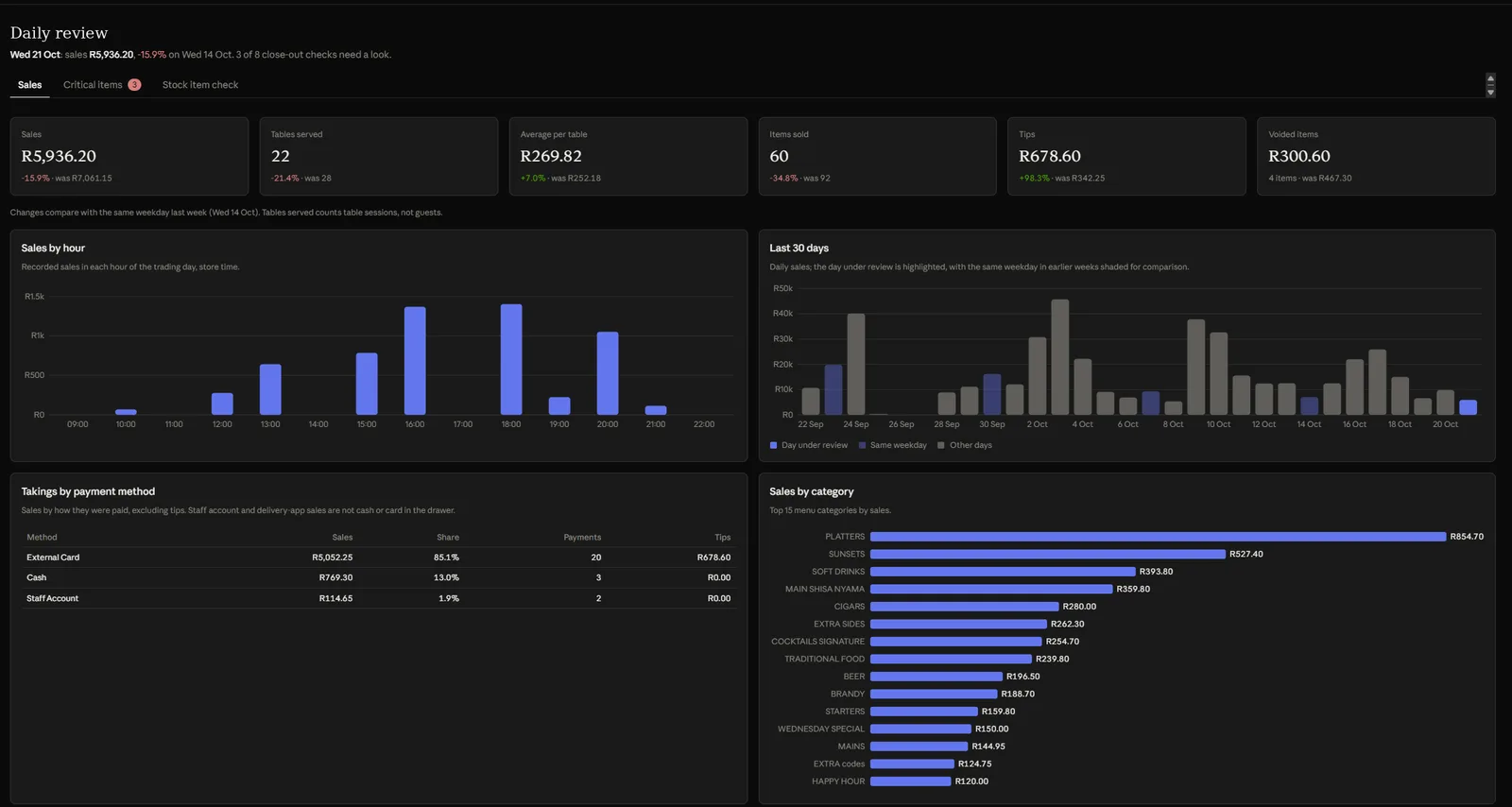
Connect your AI assistant, such as Claude, to your own TableWorx data. Ask in plain language. The answer comes from your sales, cash-ups and stock.
Fri 18 Sep: R 60 306.00 from 537 payments
Fri 11 Sep: R 48 881.99 from 471 payments
That's +R 11 424.01 (+23.4%) on revenue and 66 more payments.
Questions owners ask
- What did we take yesterday against the same day last week?
- Which menu items make the best margin?
- What do I need to reorder this week?
- Were there any cash-up variances this week?
Switching to TableWorx
Moved over in hours, not days.
We do the heavy lifting. You keep trading.
- Step 1
Live demo on your menu
We bring a device to your restaurant and run it on your own menu. No installation, no obligation.
- Step 2
We move your data
Menu, modifiers, stock items and recipes come across from your current system. We set up tables, QR codes and kitchen stations.
- Step 3
We train your team
On the floor, on your devices, with your staff. After that, our support team is a call or an email away.
Pricing
Simple monthly pricing. No surprises.
Pick a plan and the number of venues. Setup and training are included.
Prices per venue per month in ZAR. VAT at 15%. Running more than three venues? Ask us about group pricing.
About us
Built by a numbers person and a payments engineer.
We started TableWorx to give restaurants less admin, better margins and a clear view of where the money goes.

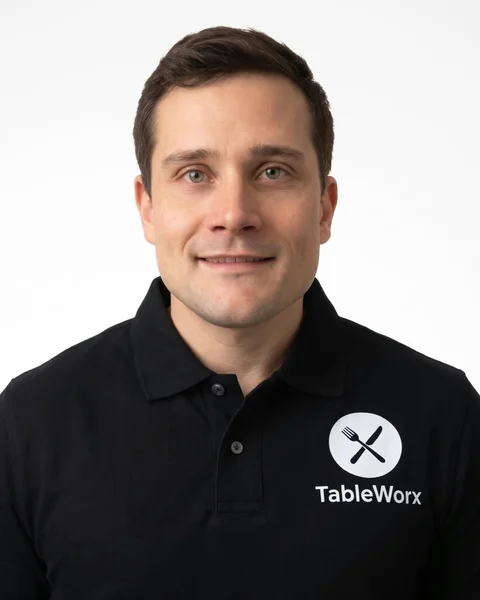
Visser Pretorius
Co-founder & CEO
A management accountant who spent his career finding operational bottlenecks and removing them. TableWorx applies that to restaurants: less friction, better margins, and a daily view of where the money goes.
Daniel Louw
Co-founder & CTO
A Solutions Architect with six years of experience in the payments industry. He now builds the platforms that power TableWorx. His focus is on making restaurant operations simpler through cutting-edge technology.
Questions, answered.
What does setup cost?
Nothing. Setup and staff training are free on every plan. You pay the monthly plan per venue, and that's it.
How long does it take to switch?
Hours, not days. We import your menu, modifiers, stock items and recipes, set up your tables and kitchen stations, and train your team on the floor.
What hardware do I need?
No server and no back-office PC. The waiter app runs on Android devices, including AddPay payment tablets and speedpoints. The kitchen display runs on any screen with a browser. Receipts print over Bluetooth.
Do guests have to download an app?
No. They scan the QR code on the table and order in their phone's browser. Guests and waiters can order into the same table interchangeably.
Can I run more than one venue?
Yes. Every location runs from one manager portal, and the AI assistant can compare stores for you.
Get started
Ready to see it live?
We'll bring a device to your restaurant and run a live demo on your own menu.
- Faster table turnover, no waiting to order or pay
- Bills split per guest, automatically
- Your numbers on WhatsApp, every day
We'll call you to set a time. No obligation.